

Enterprise · VMware · Hyper-V · SQL · 24/7 Emergency
Server Data Recovery Singapore
Production server down? We recover failed RAID servers, VMware & Hyper-V virtual machines, and SQL & Exchange databases in our cleanroom lab. Do not rebuild or reinitialise. 24/7 emergency, NDA.
4.9 / 5915 reviews · 20+ years · cleanroom lab (opens Google in a new tab)- VMware · Hyper-V · SQL
- 24/7 emergency
- NDA · PDPA-aware
- Fixed written quote
Quick answer
Yes — down servers and failed server RAID are usually recoverable, including VMware/Hyper-V virtual machines and SQL/Exchange databases. We reconstruct the array and extract the data in our lab, often without the original controller. The critical first move: do NOT force a rebuild, re-initialise, or run repair tools. We offer 24/7 emergency service, NDAs and PDPA-aware handling for businesses.
Overview
Server down means the business is down. Act correctly, fast.

When a production server fails — a RAID that won't come online, a corrupt VMware datastore, a SQL database that won't mount — every hour of downtime carries a real cost. The instinct to "just rebuild it" is exactly what turns a recoverable outage into permanent data loss.
CBL recovers enterprise servers across the full stack: hardware and software RAID, VMware ESXi and Hyper-V virtualisation, and SQL Server, Exchange and other databases. We work from disk images, reconstruct the array and virtual disks, and repair the databases — with priority and emergency turnaround, NDAs and proper invoicing for government, bank and enterprise clients.
Before you touch that server
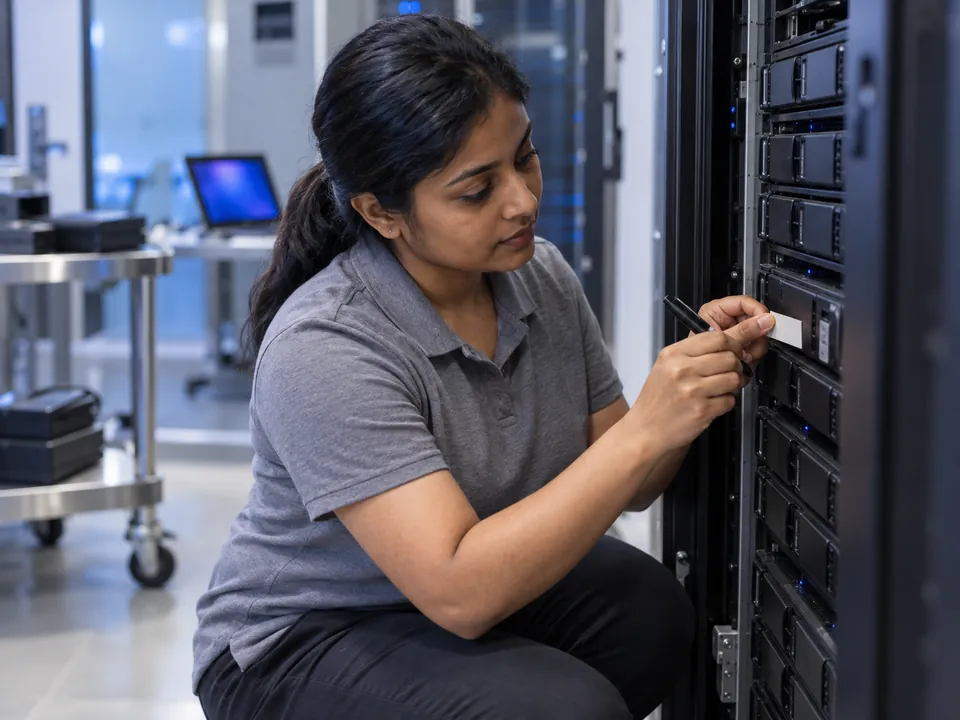
Do not force a RAID rebuild, re-initialise the array, or run CHKDSK/fsck/repair. If a disk failed, power the server down and label the disk order. One wrong rebuild can overwrite recoverable data. Call an engineer first.
Critical
What NOT to do with a failed server
Most permanently lost server data is not destroyed by the original fault. It is destroyed in the hour afterwards, by capable people under pressure trying to bring the machine back up.
Forcing a RAID rebuild
Rebuilding onto a stale/degraded disk overwrites recoverable parity. The #1 cause of permanent loss.
Re-initialising the array
"Initialise" wipes the RAID configuration and virtual-disk layout.
Running repair tools
CHKDSK/fsck or DB repair on a broken volume can corrupt it further.
Reordering the disks
Disk order matters for reconstruction. Label bays before removing anything.
One more belongs on that list: do not run the controller's own consistency check or "repair virtual disk" option. Those tools exist to restore service, not to preserve data.
What to do instead
- Power it down. A degraded array left running keeps writing, and every write narrows what can still be reconstructed.
- Label the bays before pulling anything. Masking tape and a marker is enough — disk order is part of the array geometry.
- Write down what already happened. Which disk dropped first, what the controller reported, what was attempted. It shortens the diagnosis considerably.
Diagnosis
Why servers fail
Servers rarely fail for exotic reasons. In the lab, the same short list of causes accounts for most of what arrives on the bench.
Multiple disk failures
A second disk drops during a RAID rebuild, taking the array offline.
Controller / RAID card failure
The controller dies, orphaning the array configuration.
Corrupt datastore / VM
VMware VMFS or Hyper-V VHDX corruption; deleted or invalid VMs.
Database corruption
SQL or Exchange won't mount after a crash or bad shutdown.
The causes we see most often
- Several drives failing at once in an ageing array. Disks bought together and worked identically for years wear out together. The array survives the first failure, then loses a second.
- A failed or interrupted RAID rebuild. A rebuild reads every sector of every surviving member — precisely when a marginal disk gives up.
- Controller and backplane failure. When a RAID card dies the array metadata effectively dies with it, and a replacement card often refuses to import the configuration — or offers to initialise it.
- Firmware or BIOS corruption. A controller or drive firmware update interrupted mid-flight, or a BIOS reset that clears the storage configuration and orphans the array.
- Power events and UPS failure. A brownout, a failed transfer to battery, or untested UPS batteries. Power lost mid-write leaves file systems and databases inconsistent.
- Accidental re-initialise of the array. Someone answers yes to the wrong prompt in the controller utility and the virtual disk is recreated empty.
- Ransomware. Live volumes encrypted, shadow copies deleted and, increasingly, the backup repository targeted first.
- A backup configured but never verified. The most common of all. The job reported success for months, but it pointed at the wrong volume, or nobody ever attempted a test restore.
Capability
Full-stack server recovery — capability matrix
"Server" covers a lot of ground. Here is what we actually work on, layer by layer, and what each one involves once it reaches the bench.
| Layer | We recover | Typical outcome |
|---|---|---|
| Arrays | RAID 0/1/5/6/10, Dell PERC, HP Smart Array, LSI/Broadcom, SAN/LUN, mdadm, LVM, ZFS, Storage Spaces | High |
| Virtualisation | VMware ESXi/VMFS, VMDK, Hyper-V VHD/VHDX, deleted & corrupt VMs | High |
| Databases | SQL Server (MDF/LDF), Exchange (EDB), MySQL/PostgreSQL, transaction-log repair | Case-by-case |
| Operating systems | Windows Server (NTFS/ReFS), Linux (ext4/XFS), NAS-based servers | High |
The stacks we work on, and what recovery involves
- VMware ESXi and VMFS datastores. Rebuild the VMFS volume from images of the array, then carve out the VMDKs — snapshot chains included.
- Hyper-V VHD and VHDX. Extract the virtual disk from the host volume, then repair its header and block allocation table.
- Proxmox and ZFS pools. Import a pool that will not mount, reassemble it from the vdev labels, extract ZVOLs and qcow2 images.
- Microsoft Exchange (EDB). Recover the database and transaction logs, repair a dirty-shutdown store, or extract individual mailboxes.
- SQL Server (MDF/LDF). Recover the data and log files, repair page-level corruption, or extract tables and rows into a fresh database.
- Oracle. Datafiles, control files and redo logs recovered from the array, then reassembled against the tablespace layout.
- Veeam and Acronis backup chains. Backups fail too — we repair corrupt VBK/VIB and TIB/TIBX files and rebuild broken increment chains.
- LTO tape. Reading damaged, mis-tracked or unlabelled cartridges the original backup software can no longer index.
Virtual machine data recovery sits on top of the array rows above, not beside them — the array has to be right before the VM can be.
Related: RAID recovery · RAID 5 failure · NAS recovery · ransomware recovery.
Same problem, different words
Server data recovery, VMware recovery, virtual machine recovery — what people actually mean
People arrive here typing very different things — server data recovery, server recovery Singapore, VMware data recovery, virtual machine data recovery — and they are usually describing one of three quite different situations.
Physical server, virtualised host, or one broken VM
A physical server is the box and the RAID array inside it. This is what most people mean by server data recovery: an array that will not come online, a failed controller, or disks that have dropped out of the set. The work happens at the array level and the operating system is almost incidental.
A virtualised host is the same hardware running ESXi, Hyper-V or Proxmox, with that array presented as a datastore holding a dozen or more virtual disks. When the array fails here, every VM on it goes at the same moment.
A single corrupt VM is a different animal. The host is healthy, the datastore mounts, and one virtual machine will not boot. Nothing needs dismantling — we usually only need a copy of that VM's files.
"VMware data recovery"
In practice this nearly always means one of two things. Either the VMFS datastore is lost or corrupt — ESXi sees the LUN, but the datastore is unmounted, inaccessible, or offering to be reformatted — or a VMDK has been deleted, often a snapshot consolidated badly or a VM removed from the wrong inventory. Both are usually recoverable, but they are not the same job.
Why virtual machine data recovery is a two-layer problem
Recovering a VM is two jobs stacked on each other. First the container: rebuild the array, reconstruct the VMFS or NTFS volume, carve out the VMDK or VHDX. Then that virtual disk is opened and treated as a disk in its own right — repairing the guest file system inside it, whether NTFS, ext4 or XFS. A perfectly recovered VMDK with a wrecked NTFS inside it is not a recovered server. Both layers have to come good, which is why we quote virtual machine work only after seeing both.
The question worth answering first
Do you need the whole server back, or specific data off it? One database, one mailbox or one department's share is usually faster and cheaper than reconstructing an entire host.
How it works
Our server recovery process
Step 1: Free diagnosis (priority)
We assess each member disk, the array, virtual disks and databases, and confirm recoverability — with priority scheduling for downtime-critical systems.
Step 2: Image every disk
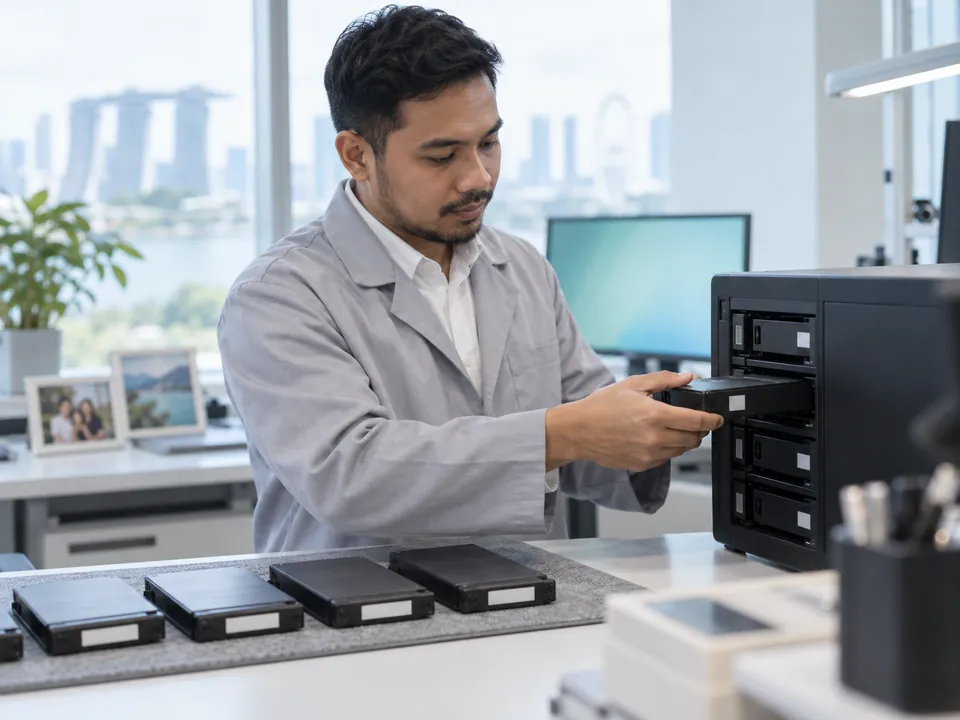
We clone each drive individually, stabilising any physically failed disk in the cleanroom, so the originals are never risked.
Step 3: Reconstruct array & virtual disks
We rebuild the RAID (no original controller needed), then extract and mount VMFS/VMDK or VHDX virtual disks.
Step 4: Repair databases & extract
We repair and extract SQL/Exchange databases and file data, then provide a verification list.
Step 5: Secure return
Verified data returned confidentially under NDA.
See the full lab process: how professional data recovery works →
For business
Emergency service, NDA & compliance
Server data recovery for a bank, a law firm or a government agency is not only a technical job. How the data is handled, logged and destroyed afterwards matters as much as whether it comes back.
24/7 Emergency
Priority turnaround for downtime-critical production servers.
NDA & PDPA-Aware
Confidential handling with NDAs for government, bank and enterprise clients.
Proper Invoicing
GST invoicing and documentation for corporate procurement.

What confidentiality looks like in practice
- An NDA signed before any work begins. We sign yours on request, or provide ours — at intake, so the diagnosis itself is covered, not just the recovery.
- PDPA-aware handling of personal data. Access is restricted to the engineers on the case, and we do not browse recovered content beyond what verifying the file list requires.
- A documented chain of custody. Every disk is logged by serial number at intake, tracked through imaging and reconstruction, and signed out at handover.
- Controlled return media. Data goes back on media you keep, encrypted on request, collected from the lab or delivered by hand — not pushed through a public file-sharing service.
- Working copies wiped afterwards. Once you confirm the recovery is complete, we securely wipe our images and working copies to an agreed timeline and confirm the disposal in writing.
After hours, weekends, and servers that cannot leave the building
Production servers rarely fail at 10am on a Tuesday. We take emergency calls outside office hours and work weekends and public holidays on downtime-critical systems, with an engineer assigned to the case rather than the case queued behind routine work.
Where a server genuinely cannot leave the premises — data not permitted off-site, a sealed room, a regulated environment — we can attend on-site, image the disks in place and carry only the images back to the lab. That needs scheduling, so mention the constraint on the first call.
Transparent pricing
How much does server recovery cost?
Server recovery is complex, multi-disk enterprise work; cost reflects the number of disks, stack complexity and turnaround.
| Case type | Examples | Indicative range (SGD) |
|---|---|---|
| Logical server / array | Config lost, controller failure, VM/DB corruption, no physical damage | $1,200 – $2,500 |
| Server + failed disk(s) | One or more disks need cleanroom work | $2,000 – $4,000 |
| Complex / emergency | Large arrays, multiple VMs/DBs, 24/7 priority | $3,500+ |
Free diagnosis = free quote
Exact fixed price before work begins. Full detail: data recovery cost guide →
Recovery in the real world
Server recovery case studies
Representative examples from typical laboratory cases. Anonymised.
Tanjong Pagar · Law firm
RAID 5 SQL host, failed rebuild
A case-management server lost a second disk mid-rebuild. We imaged all members, reconstructed the parity, extracted the SQL database and delivered verified case files under NDA.
Full recovery
CBD · Financial services
VMware ESXi datastore corrupt
A VMFS datastore became inaccessible after a storage fault. We rebuilt the datastore from images and recovered the production virtual machines.
VMs recovered
Changi · Logistics
Hyper-V host, controller failure
A RAID controller died on a Hyper-V host. We reconstructed the array without the original controller and extracted the VHDX virtual disks.
99% recovered
Zero-risk guarantees
Free diagnosis & a fixed written quote
Free Diagnosis
We assess your server and confirm recoverability — no cost, no obligation.
Work Stays In-House
Recovered in our in-house Singapore lab — never shipped overseas.
Emergency Service
24/7 priority handling for production systems.
Answers
Server recovery FAQ
In most cases yes — including failed server RAID, corrupt VMs and databases. We reconstruct the array and extract the data in our lab, often without the original controller. A free diagnosis confirms your case.
No. A forced or incorrect rebuild is the leading cause of permanent server data loss. Power the server down, label the disk order, and call us first.
Yes — we recover VMware ESXi/VMFS datastores and VMDKs, and Hyper-V VHD/VHDX, including deleted and corrupt VMs.
Yes — we repair and extract SQL (MDF/LDF) and Exchange (EDB) databases, including transaction-log corruption.
Often yes. If the host still boots and the datastore mounts, we usually only need a copy of that VM's files — the VMDK or VHDX set and its descriptors — which you can copy to an external drive and send us. The physical disks are only needed when the array or datastore itself is the problem.
Stop it and power the server down — do not let it run to completion. A partial rebuild does not automatically destroy everything; it overwrites parity and data progressively, so what survives depends on how far it got. Tell us plainly what was run and for how long. It changes our approach, not our willingness to try.
In many cases yes. Where data is not permitted off-site, or the system sits in a sealed or regulated environment, we can attend to image the disks in place and bring only the images back to the lab. On-site attendance needs scheduling, so raise it on your first call.
The NDA is signed at intake, before the diagnosis begins, so the assessment is covered too. Every disk is logged by serial number through a documented chain of custody. After you confirm the recovered data is complete, we securely wipe our images and working copies to an agreed timeline.
In most cases no. We rebuild the array from images of the individual drives rather than relying on the controller. If the card used an unusual proprietary layout we may ask for its model details, but the hardware itself normally stays with you.
Yes — priority and emergency turnaround for downtime-critical production servers, with NDAs and proper invoicing.
Yes — confidential, PDPA-aware handling with NDAs for government, bank and enterprise clients, and GST invoicing.
Simple cases can start from around $500; typically $1,200–$2,500 for logical and $2,000–$4,000 when disks need cleanroom work. Your free diagnosis gives an exact fixed quote.
What our clients say
Trusted by individuals and businesses in Singapore


Business Profile
Server Data Recovery – Rated by customers on Google
915Google reviews
4.9 out of 5
Updated 4 Nov 2026
“Thank you to the team at CBL for helping me recover all the contents from my faulty USB, which contained many precious family photos.”
Iris ShenUSB flash drive recovery · via Google “Great relief the engineers managed to recover all my data successfully from my damaged iPhone 14.”
Peter AndroidiPhone 14 recovery · via Google “Amazing service from CBL. They have restored all the data from my laptop. Sarah was very helpful and attentive to my queries.”
S YTLaptop recovery · via Google

The bottom line
A failed server is recoverable far more often than the pressure of downtime suggests — but only if the first response is right. Power it down, don't rebuild, label the disks, and call CBL. With full-stack capability, 24/7 emergency service, NDAs, we get your business back online.
Service scope
What we do — and what we don’t
CBL Data Recovery (S) Pte Ltd (UEN 201101007Z) is the service provider — not a reseller, referral service or agent. We are a data recovery laboratory. You bring or ship your storage device to our own lab at 6 Harper Road, Leong Huat Building #05-02, beside Tai Seng MRT. Our own engineers image the media in our in-house cleanroom and return your recovered files.
Services we do not offer
We do not provide remote access or remote sessions, telephone troubleshooting, virus or malware removal, password resets, account recovery, software installation, or device repair, and we sell no software or subscriptions. Any physical work on your media is carried out solely to bring it to a readable state so it can be imaged — you receive your recovered files, not a repaired device.
We do not bypass encryption or account security. Where a device is encrypted, recovery requires the owner’s own password or key. Diagnosis is free, and all work is quoted in writing before it begins.