

Know what you're dealing with
Physical vs Logical Failure Explained
The single most important thing to know about a data-loss situation is which kind of failure it is. It decides the symptoms, the safe next step, the recovery method — and how much it costs. Here's how to tell them apart.
4.9 / 5140,000+ recoveries · cleanroom lab (opens Google in a new tab)Quick answer
A logical failure means the hardware works but the data is unreadable — deletion, formatting, corruption, or a damaged file system. A physical failure means the drive itself is broken — failed heads, motor, electronics, or NAND. Logical cases are usually software-based recoveries; physical cases often need cleanroom repair first. The safe rule: if the drive makes noises or isn't detected, treat it as physical and stop using it.
Definitions
The two types of drive failure
The data is damaged, not the drive
The hardware is fine and usually detected, but the information can't be read — because it was deleted, formatted, or the file system/partition is corrupt.
Common causes
- Accidental deletion / format
- Corrupt file system or partition table
- Software crash, bad update, power loss mid-write
- Virus / malware / ransomware
- "RAW" drive or "needs formatting" errors
The drive itself is broken
A mechanical or electronic component has failed. The drive often isn't detected, or makes unusual sounds. This needs hardware repair — frequently in a cleanroom — before data can be read.
Common causes
- Failed read/write heads (clicking)
- Seized motor (not spinning)
- Burnt or failed PCB / electronics
- Drops, knocks, water or power damage
- Worn NAND or controller failure (SSD/USB)
Read the signs
Tell-tale symptoms

Likely logical if: the drive is detected and shows the right capacity, but files/folders are missing, you get "needs formatting"/"RAW", or documents won't open. The drive sounds and behaves normally.
Likely physical if: the drive clicks, beeps or grinds, isn't detected at all, shows the wrong capacity, spins up and down, gets very hot, or was dropped/wet. These are hardware alarm bells.
If it sounds physical, power off now
Clicking or not-detected means hardware. Every power-on risks more damage — don't run software, don't keep reconnecting it. See DIY vs professional.
Side by side
Physical vs logical at a glance
| Item | Logical failure | Physical failure |
|---|---|---|
| What's broken | The data / file system | The drive hardware |
| Drive detected? | Usually yes | Often no |
| Unusual noises? | No | Clicking / beeping / grinding common |
| Cleanroom needed? | No | Often yes |
| Recovery method | Imaging + software reconstruction | Hardware repair, then imaging + reconstruction |
| Relative cost | Lower | Higher (parts + cleanroom labour) |
| Safe DIY attempt? | Sometimes (healthy drive) | No — power off |
Diagnose it
How to tell which one you have

- Listen. Any clicking, beeping or grinding → treat as physical, power off.
- Check detection. Does the drive appear (even unformatted) in Disk Management / Disk Utility? Appears = leans logical. Doesn't appear = leans physical.
- Look at capacity. Correct size but no files = often logical. Wrong/zero capacity = often physical.
- Recall the trigger. Deleted/formatted/crashed = logical. Dropped/wet/power surge = physical.
Not sure? Don't guess with important data
The two can look alike (and can co-exist). A free diagnosis identifies the exact fault safely — before any risky move.
The fix
What each failure type needs
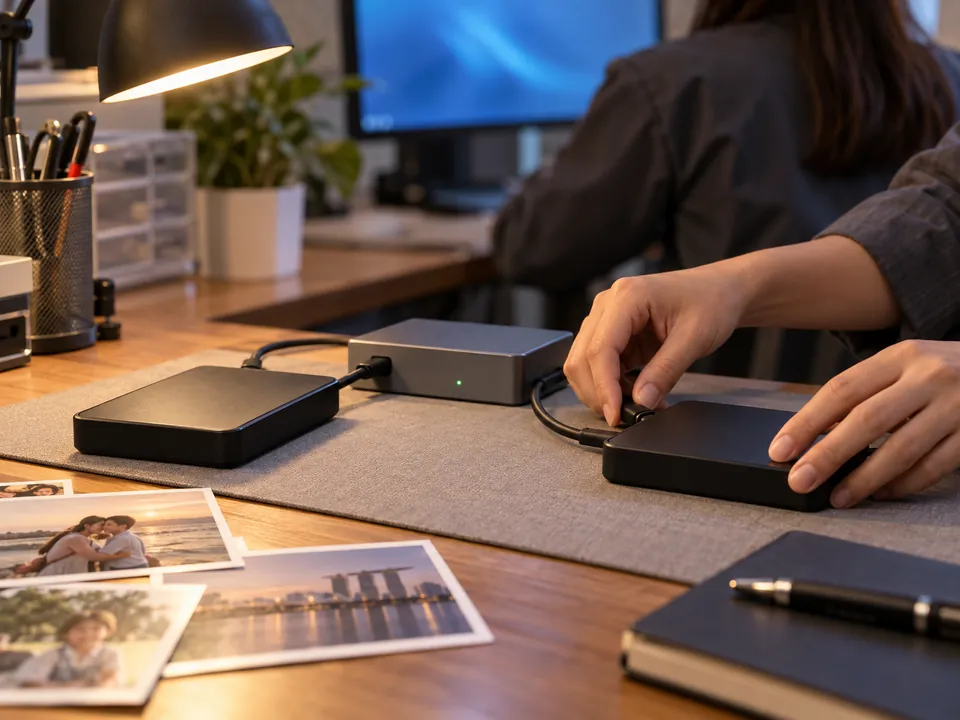
Logical: we image the drive, then rebuild the file system/partitions and extract your files — no drive-opening required. Physical: we first repair or stabilise the hardware (e.g. replace failed heads in our cleanroom), take a forensic image, then reconstruct and extract. Either way the data is worked on from a safe copy — see the full recovery process. Costs differ accordingly; our pricing guide breaks it down, and every case comes with a fixed quote before any work.
Answers
Physical vs logical — FAQ
Logical failure means the drive hardware works but the data is unreadable (deletion, format, corruption). Physical failure means the drive itself is broken (failed heads, motor, electronics, NAND) and usually needs hardware repair.
Listen for clicking/beeping (physical), check if the drive is detected (yes leans logical, no leans physical), look at reported capacity, and recall the trigger — deleted/formatted is logical, dropped/wet is physical.
Clicking is a classic physical (mechanical) failure — usually failed heads. Power it off immediately and get a professional diagnosis; software can worsen it.
Physical failures generally cost more because they need hardware repair, donor parts and cleanroom labour. Logical recoveries are usually lower cost.
Yes — for example a physically weak drive can also have a corrupt file system. We diagnose and address both.
Only for logical failures on a healthy drive, and never onto the same drive. For physical failures, DIY software is risky and can destroy the data.
Yes — our cleanroom lab handles both logical reconstruction and physical/cleanroom repairs.
Zero risk
Free diagnosis & a fixed written quote
What our clients say
Trusted by individuals and businesses in Singapore


Business Profile
Data Recovery – Rated by customers on Google
915Google reviews
4.9 out of 5
Updated 4 Nov 2026
“Thank you to the team at CBL for helping me recover all the contents from my faulty USB, which contained many precious family photos.”
Iris ShenUSB flash drive recovery · via Google “Great relief the engineers managed to recover all my data successfully from my damaged iPhone 14.”
Peter AndroidiPhone 14 recovery · via Google “Amazing service from CBL. They have restored all the data from my laptop. Sarah was very helpful and attentive to my queries.”
S YTLaptop recovery · via Google