
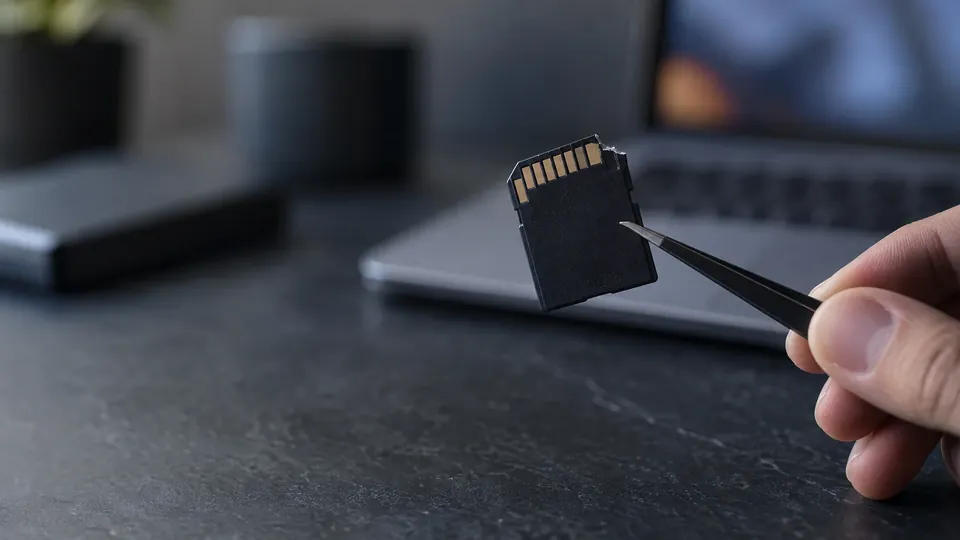
Recover a damaged SD card
How to Recover Files from a Damaged SD Card (2026 Guide)
An SD card that's corrupted, not reading, or physically damaged can hold irreplaceable photos and files hostage. Often the data is still on the chip. Here's how to recover files from a damaged SD card in 2026 — the safe DIY steps, and when chip-level lab recovery is the answer.
4.9 / 5915 Google reviews · Cleanroom lab (opens Google in a new tab)7 min read · Updated 2026-08-01
An SD card that's corrupted, throwing errors, or simply not reading can be heart-stopping when it holds irreplaceable photos, videos or files — often the only copy from a trip, event or shoot. The encouraging news is that "damaged" covers a wide range, and in many cases the data is still sitting on the memory chip, fully recoverable. This guide explains how to recover files from a damaged SD card in 2026 — the safe DIY steps for logical damage, and when physical, chip-level lab recovery is the answer.
From the engineers at CBL Data Recovery Singapore, who recover SD cards for photographers and everyday users every week.
Guide
Two kinds of "damaged" — and why it matters
Not all SD card damage is equal, and identifying which kind you have points to the right solution:
- Logical damage. The card is physically fine, but the file system is corrupted — it shows as RAW, empty, asks to be formatted, or throws "card error." The data is intact underneath, and this is often DIY-recoverable.
- Physical damage. The card is cracked, bent, snapped, water-damaged, or a component has failed, so no reader detects it. The data may still be on the memory chip, but reaching it needs chip-level lab recovery.
Knowing which you're dealing with tells you whether to reach for software or stop and consult a lab — and prevents you from making things worse.
Guide
Recovering a corrupted (logical) SD card
If the card is detected but corrupted, showing as RAW, or asking to be formatted, the data is usually still there. Follow these steps:
- Stop using the card immediately. Don't take more photos or write anything to it — new data overwrites recoverable files.
- Set the write-protect switch on the card (if present) to prevent accidental writes.
- Connect it via a card reader, not the camera, to a computer.
- Don't format it when prompted — formatting builds an empty file system over your data.
- Try a quick fix carefully. On Windows,
chkdskcan sometimes repair minor file-system errors — but it writes to the card, so if the data is critical, recover first. Assigning a drive letter in Disk Management can help if the card shows without one. - Run recovery software. Use Recuva, Disk Drill, PhotoRec, or Stellar Photo Recovery to scan the card read-only and recover files — including RAW photo and video formats — to your computer, never back to the card.
- Verify the recovered files open correctly.
Because SD cards don't run TRIM the way phones and SSDs do, deleted and formatted data lingers and is highly recoverable — logical SD card recovery has excellent odds when you act correctly.
Guide
Recovering a physically damaged SD card
If the card is cracked, bent, snapped, water-damaged, or completely undetected by any reader, software can't help — the problem is physical. But the data isn't necessarily lost:
- Don't force it into readers repeatedly or try to "fix" the card yourself — that can damage the memory chip that holds your data.
- Don't apply heat or try to dry a wet card with power — corrosion and heat can destroy the chip.
- The data may still be on the NAND memory chip. Labs can perform chip-level recovery — carefully accessing the memory chip and reconstructing the data using knowledge of how the card's controller organised it.
Physical SD card recovery is specialist work, but it's frequently successful when the memory chip survived — which it often does, even in snapped or water-damaged cards.
Don't format, and don't force a damaged card
The two mistakes that cost people their photos are formatting a corrupted card (which overwrites the data) and forcing a physically damaged card into readers (which can destroy the chip). If the files matter, stop and get a diagnosis. See our SD card recovery service.
Guide
When to call a lab
Call a lab when the SD card is physically damaged, snapped, or water-damaged, when no reader detects it, when DIY software fails on corrupted cards, or when the photos are irreplaceable. Labs perform chip-level recovery and handle corruption that software can't. Because forcing a damaged card can destroy the memory chip, stopping early protects your data.
Damaged SD card with irreplaceable photos?
CBL's cleanroom lab recovers files from corrupted, snapped and water-damaged SD cards — free diagnosis, fixed quote before any work.
WhatsApp: +65 8127 7508
Call: +65 6588 0261
Guide
How to avoid SD card damage
- Eject the card safely before removing it from a computer, and stop recording before removing it from a camera.
- Use quality cards from reputable brands — counterfeit and cheap cards corrupt and fail far more often.
- Don't remove a card mid-write or with a flat battery — a common cause of corruption.
- Keep cards away from water, heat, magnets and physical stress, and store them in a protective case.
- Offload and back up regularly so a damaged card is never the only copy. See our data backup tactics.
Guide
Frequently Asked Questions
Often, yes. If the card is corrupted (logical damage), recovery software can retrieve the files — SD cards are highly recoverable because they don't run TRIM. If the card is physically damaged, a lab can often perform chip-level recovery if the memory chip survived.
No, not if you want the data. That message means file-system corruption with the files still there. Connect the card via a reader, decline the format, and run recovery software first.
Not necessarily. The data may still be on the memory chip, recoverable via chip-level lab recovery. Don't force it into readers or apply heat, which can destroy the chip. Get it assessed.
Recuva, Disk Drill, PhotoRec and Stellar Photo Recovery all work well for corrupted cards, recovering photos and videos including RAW formats. Recover to your computer, never back to the card.
Common causes are removing it mid-write, a flat battery during recording, using cheap or counterfeit cards, or a failing card. If it recurs, replace the card and always eject safely. Contact us if a card holds irreplaceable data.
What our clients say
Trusted by individuals and businesses in Singapore


Business Profile
Data Recovery – Rated by customers on Google
915Google reviews
4.9 out of 5
Updated 5 Nov 2026
“Thank you to the team at CBL for helping me recover all the contents from my faulty USB, which contained many precious family photos.”
Iris ShenUSB flash drive recovery · via Google “Great relief the engineers managed to recover all my data successfully from my damaged iPhone 14.”
Peter AndroidiPhone 14 recovery · via Google “Amazing service from CBL. They have restored all the data from my laptop. Sarah was very helpful and attentive to my queries.”
S YTLaptop recovery · via Google