

Safe checks first · Then when to stop
Hard Drive Not Detected? How to Fix It & Recover Your Data
A drive that isn't detected hasn't necessarily lost your data — often it's a cable, a PCB, or firmware. Try the safe checks below, but watch for the red flags that mean you should stop and get help before you make it worse.
4.9 / 5915 reviews · Cleanroom lab (opens Google in a new tab)Quick answer
A hard drive that isn't detected usually still holds your data. Common causes range from a simple cable or port issue (safe to fix) to a PCB, firmware or head fault (needs a lab). Try the safe checks below — but if the drive is clicking, not spinning, or not seen in the BIOS, stop and get a free diagnosis. And never run CHKDSK or format a drive you need data from.
The causes
Why is my hard drive not detected?
Cable / port / enclosure
Loose or faulty cable, dead USB port or bridge — often an easy fix.
PCB / electronics failure
A power surge or burnt board stops the drive being seen.
Firmware / service-area fault
The drive can't load its firmware and won't initialise.
Failed heads / not spinning
A physical fault — often with clicking or silence.
RAW / lost partition
Detected in Disk Management but shows as RAW/unallocated.
Interactive
Safe to fix, or time to stop?
Select what your drive is doing for the likely cause and the right next step.
Try this
Safe checks to try (no data risk)
Step 1: Try a different cable and port
Swap the SATA/USB cable and try another port. Faulty cables are a very common cause.
Step 2: Try another computer
Connect the drive to a different PC to rule out a port or driver issue.
Step 3: Check Disk Management / Disk Utility
If the drive appears there (even as RAW/unallocated) the hardware is likely fine — a logical issue.
Step 4: For externals: is it the enclosure?
See external drive not recognized — often the USB bridge, not the drive.
Stop signals
Red flags — stop and get help now

If any of these apply, power off and stop
Continuing risks turning a recoverable drive into a lost one.
Clicking or beeping
Physical fault — power off now. Why drives click.
Not spinning up
No motor spin — motor/PCB/firmware fault.
Not in the BIOS
Usually a firmware, PCB or head fault — needs a lab.
It was dropped
Possible head crash — don't power on to test.
Important
Never run CHKDSK or format a drive you need
If your drive shows up but is inaccessible or asks to be formatted, do not run CHKDSK, "repair", or format it. On a failing drive these can overwrite recoverable data and stress bad sectors — sometimes turning an easy logical recovery into a hard one. If the files matter, stop and get a diagnosis. See physical vs logical failure.
How it works
How we recover undetected drives
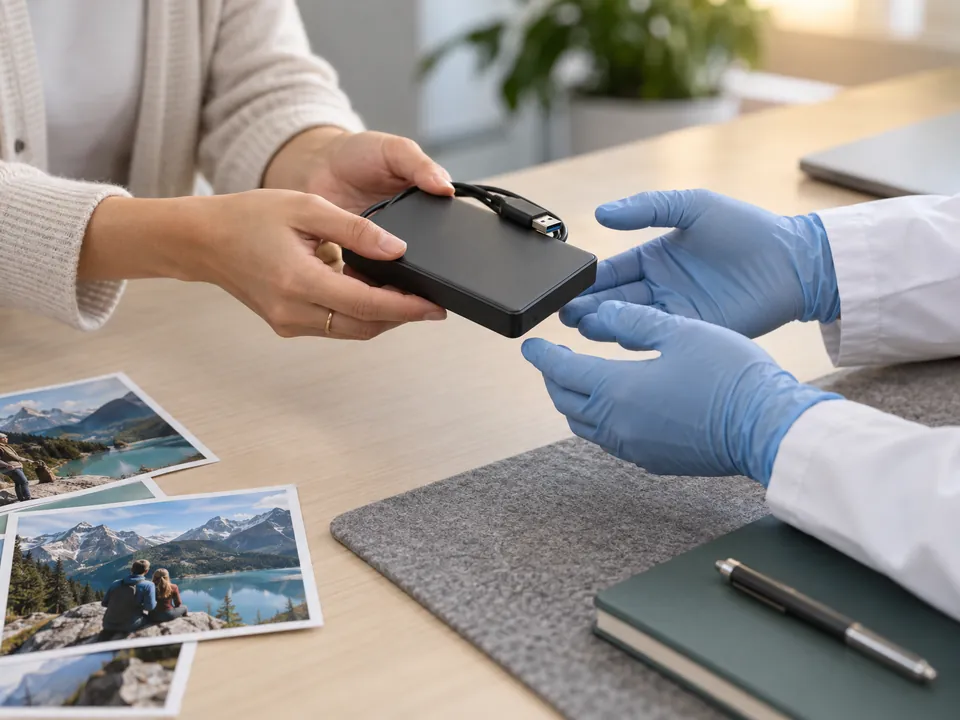
At a free diagnosis we determine whether it's PCB, firmware, heads or logical. We repair the fault (board repair, firmware/service-area repair, or cleanroom head replacement), image the drive, and reconstruct your files — protecting the original throughout. Free diagnosis and a fixed written quote before any work begins. Full service: hard drive recovery.
Getting it to us
How to get your drive to us — including after hours
Three ways, whichever suits you. Power the drive off first, and don't run anything on it.
- Walk in — 6 Harper Road, Leong Huat Building #05-02, beside Tai Seng MRT. Monday to Friday, 9.30am–6.30pm.
- After-hours drop-off locker — available 24/7 and monitored by CCTV. WhatsApp us on +65 8127 7508 before you come over and we'll walk you through it.
- Post or courier it — to the same address. Pack it so it cannot move inside the box; a failed drive should not be rattling around in transit.
How long it takes: diagnosis is typically same-day to 24 hours. Standard recoveries often complete within 3–7 business days depending on complexity; emergency and priority service is available for urgent business cases.
Free diagnosis whichever route you choose, and a fixed written quote before any work begins. If you decide not to go ahead, you collect your device and owe nothing.
Answers
Not-detected drive FAQ
Usually yes — "not detected" is typically a firmware, PCB, head or cable fault rather than lost data. The platters often still hold everything. A free diagnosis confirms it.
The hardware is likely fine; it's usually a partition/file-system (logical) issue. Don't format it — we reconstruct the file system.
No — on a failing drive these can overwrite recoverable data. If you need the files, stop and get a diagnosis.
Often yes — this points to a firmware, PCB or head fault, all of which we repair in-house. Power it off and bring it in.
Power it off immediately — clicking is a physical fault needing cleanroom recovery. See clicking drives.
Indicatively $300–$900 for firmware/electronic and $400–$1,800 for physical faults. Logical cases from $180. Your free diagnosis gives an exact fixed quote.
Zero risk
Free diagnosis & a fixed written quote
What our clients say
Trusted by individuals and businesses in Singapore


Business Profile
Hard Disk Data Recovery – Rated by customers on Google
915Google reviews
4.9 out of 5
Updated 5 Nov 2026
“Thank you to the team at CBL for helping me recover all the contents from my faulty USB, which contained many precious family photos.”
Iris ShenUSB flash drive recovery · via Google “Great relief the engineers managed to recover all my data successfully from my damaged iPhone 14.”
Peter AndroidiPhone 14 recovery · via Google “Amazing service from CBL. They have restored all the data from my laptop. Sarah was very helpful and attentive to my queries.”
S YTLaptop recovery · via Google