
Urgent · Power the drive off now
Hard Drive Clicking Noise: What It Means & How to Recover It
A clicking hard drive almost always means a physical head fault — the "click of death". The good news: it's usually recoverable in a cleanroom. The bad news: every power-on makes it worse. Power it off now.
4.9 / 5915 reviews · cleanroom (opens Google in a new tab)Quick answer
A clicking hard drive is almost always a physical head fault — the read/write heads can't read the platters, so they reset and click repeatedly. It is not fixable with software, and every power-on risks scratching the platters. Power the drive off immediately. In a cleanroom, clicking drives are highly recoverable (often 80–90%+) via head replacement — as long as they haven't been run into the ground first.
Act now
What to do right now (safe steps)
Step 1: Power the drive off immediately
Unplug it. Don't keep trying to access it — every second of clicking can scratch the platters and reduce recoverability.
Step 2: Don't run any recovery software on it
Software can't fix a physical fault and forces the drive to keep clicking, worsening the damage.
Step 3: Don't open it or try DIY "fixes"
No freezer, no tapping, no opening the case. These myths cause more damage (see below).
Step 4: Contact a professional cleanroom lab
Book a free diagnosis. Clicking needs cleanroom head repair — call us or start online.
The cause
What does hard drive clicking mean?
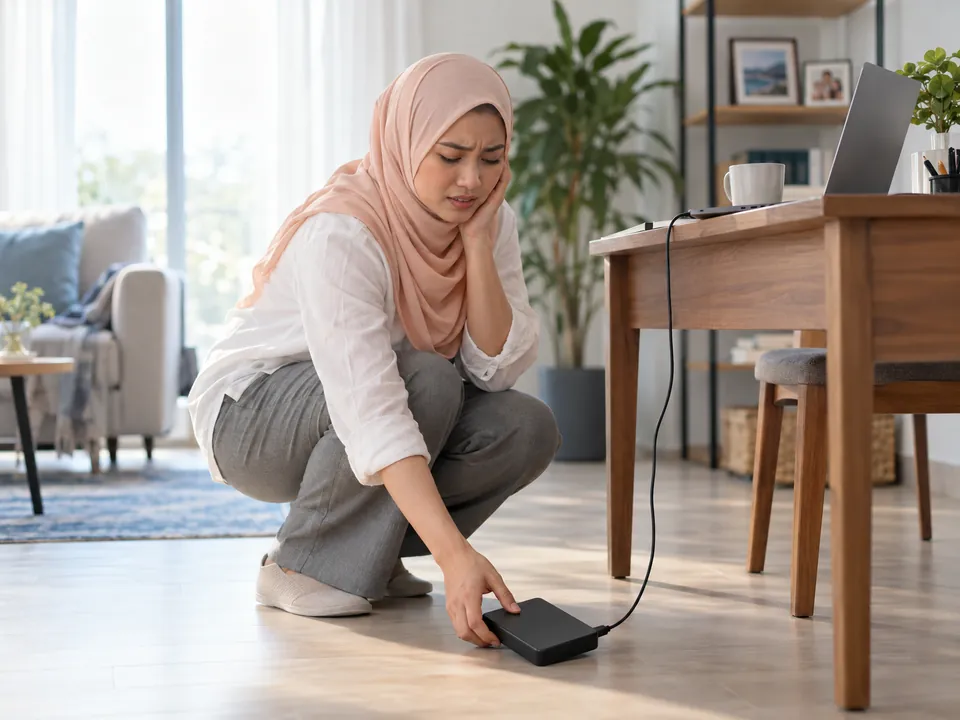
Inside a hard drive, read/write heads float nanometres above spinning platters. Clicking — the "click of death" — is the sound of the heads failing to read and repeatedly resetting to their park position. It usually means one of these physical faults:
Failed / crashed heads
The most common cause — the heads can't read and keep re-seeking.
Head crash after a drop
Impact knocked the heads onto the platters.
Firmware / service-area fault
The drive can't load its firmware and re-tries.
Seized or weak motor
The platters can't spin up correctly.
Note: SSDs have no moving parts, so a clicking sound only comes from hard drives. Seagate portables sometimes beep instead of click — that's stuck heads; see Seagate recovery.
Don't do these
DIY "fixes" that destroy clicking drives
The freezer trick ✗
A myth. Condensation and thermal shock damage the platters and heads.
Tapping / hitting it ✗
Impact drives the failed heads further into the platters.
Opening the drive ✗
A single dust particle in normal air ruins the platters. Cleanroom only.
Power-cycling it ✗
Repeatedly powering on drags failed heads across the platters.
Good news
Is a clicking hard drive recoverable?
Usually yes — clicking drives are among the most recoverable physical failures, provided they reach a cleanroom before being run into the ground. In our in-house cleanroom we replace the failed read/write heads with a matched donor set, image the platters gently, and rebuild your files. Success is typically high (often 80–90%+) when the drive is brought in promptly and hasn't been power-cycled repeatedly or opened.
What lowers your odds: continued power/clicking, DIY attempts, and platter scoring from a severe head crash. That's why powering off immediately matters so much.
How it works
How we recover clicking drives
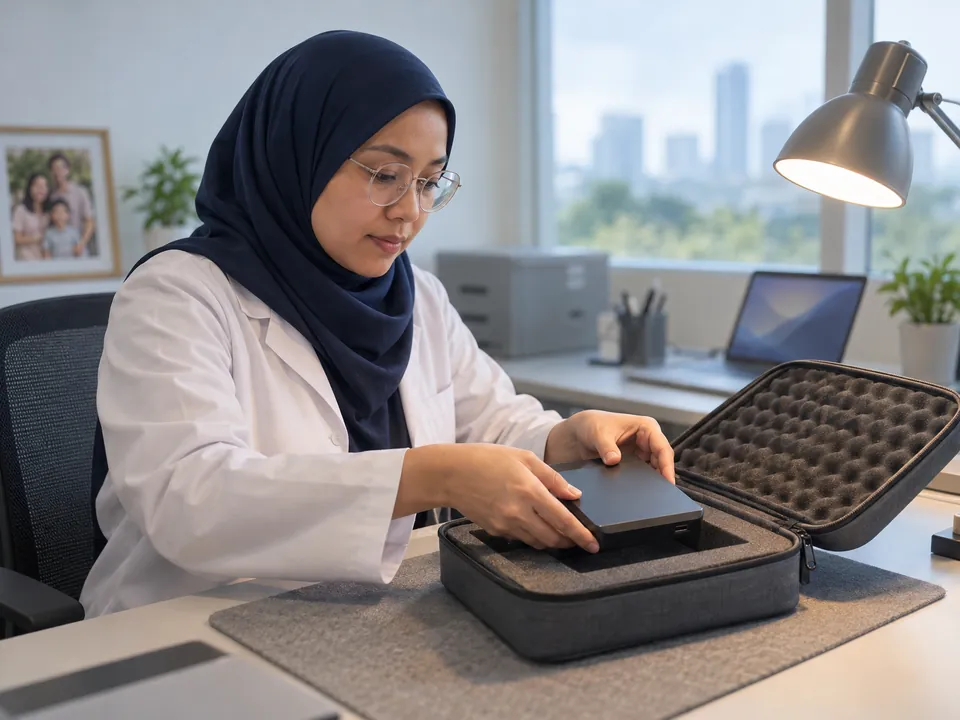
Step 1: Free diagnosis
We open the drive in the cleanroom, confirm the head fault, and check the platter condition. No cost.
Step 2: Head-stack replacement
We transplant a matched head-stack assembly from a donor drive in the cleanroom.
Step 3: Gentle imaging
We image the platters slowly and carefully with specialised imagers to protect the fragile surface.
Step 4: Reconstruct & return
We rebuild the file system, extract your files, and return them on fresh media.
See the full service: hard drive recovery. Related symptom: drive not detected.
Transparent pricing
How much does clicking-drive recovery cost?
Clicking drives are physical recoveries needing cleanroom work and donor parts — indicatively $400–$1,800 (SGD). Your free diagnosis confirms the exact fixed price. Full detail on our cost guide.
Getting it to us
How to get your drive to us — including after hours
Three ways, whichever suits you. Power the drive off first, and don't run anything on it.

- Walk in — 6 Harper Road, Leong Huat Building #05-02, beside Tai Seng MRT. Monday to Friday, 9.30am–6.30pm.
- After-hours drop-off locker — available 24/7 and monitored by CCTV. WhatsApp us on +65 8127 7508 before you come over and we'll walk you through it.
- Post or courier it — to the same address. Pack it so it cannot move inside the box; a failed drive should not be rattling around in transit.
How long it takes: diagnosis is typically same-day to 24 hours. Standard recoveries often complete within 3–7 business days depending on complexity; emergency and priority service is available for urgent business cases.
Free diagnosis whichever route you choose, and a fixed written quote before any work begins. If you decide not to go ahead, you collect your device and owe nothing.
Answers
Clicking hard drive FAQ
Clicking is almost always a physical head fault — the read/write heads can't read the platters and keep resetting. It needs cleanroom recovery, not software. Power the drive off.
Usually yes — often 80–90%+ in a cleanroom via head replacement, provided the drive is brought in promptly and hasn't been power-cycled repeatedly or opened.
Yes, immediately. Every second of clicking risks scratching the platters and reducing recoverability.
No — it's a myth that causes condensation and thermal damage. Please don't try it.
No — clicking is a physical fault. Software forces the drive to keep clicking, worsening the damage.
Indicatively $400–$1,800 for cleanroom head recovery. Clicking almost always means head damage, which is cleanroom work rather than a software job. Your free diagnosis gives an exact fixed quote before anything starts.
Zero risk
Free diagnosis & a fixed written quote
What our clients say
Trusted by individuals and businesses in Singapore


Business Profile
Clicking Hard Drive Data Recovery – Rated by customers on Google
915Google reviews
4.9 out of 5
Updated 4 Nov 2026
“Thank you to the team at CBL for helping me recover all the contents from my faulty USB, which contained many precious family photos.”
Iris ShenUSB flash drive recovery · via Google “Great relief the engineers managed to recover all my data successfully from my damaged iPhone 14.”
Peter AndroidiPhone 14 recovery · via Google “Amazing service from CBL. They have restored all the data from my laptop. Sarah was very helpful and attentive to my queries.”
S YTLaptop recovery · via Google