
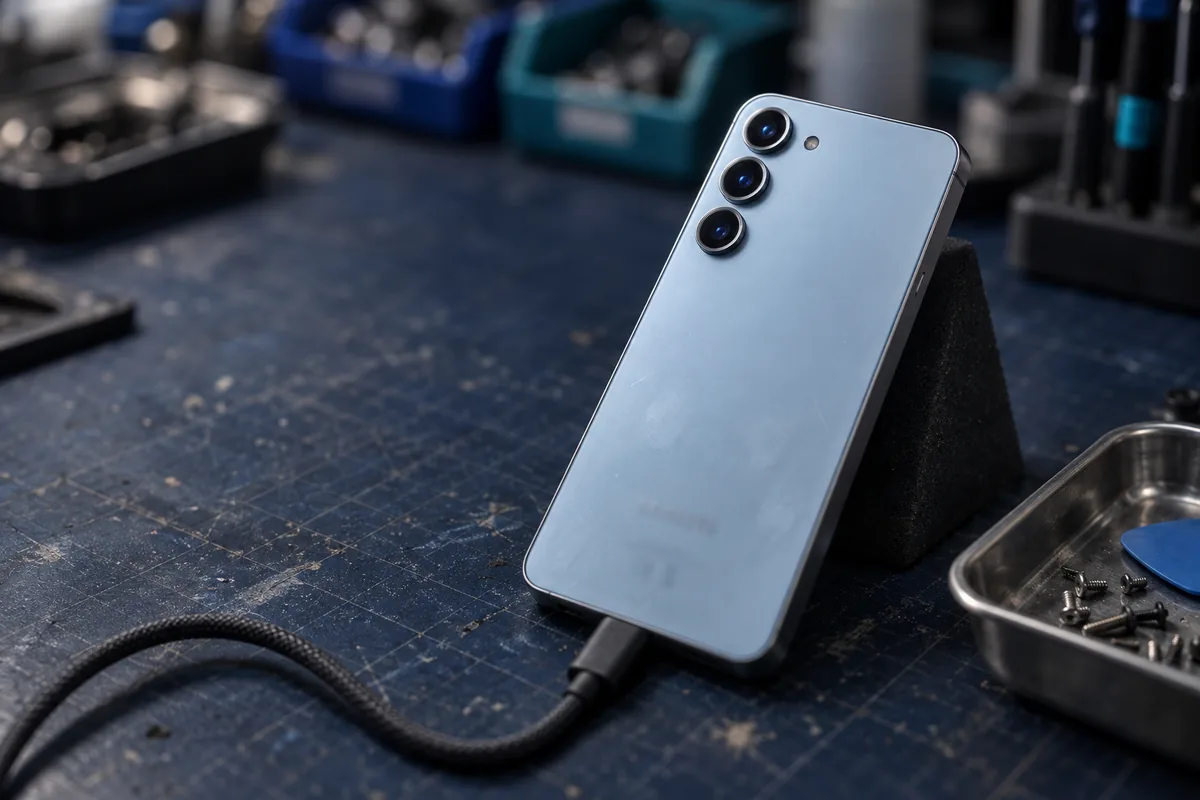
If your Galaxy powers on, your data is usually recoverable. If it does not, the storage is normally still intact and the fault is the board — and the board-level work needed to reach the storage is done here in Singapore by our own engineers. What nobody can do is read a locked, encrypted phone without your own PIN, pattern or password. Diagnosis is free and you get a fixed written quote before any work begins.
How Samsung data recovery works
Samsung Galaxy phones store your data on UFS flash memory soldered to the main board, encrypted by default and tied to your screen lock. That single fact shapes everything about what is and is not possible.
When a Galaxy will not switch on, the storage is usually fine. The failure is almost always somewhere else — a power management IC, a charging circuit, corrosion from liquid, or a board cracked by a drop. Our work is to restore that path far enough for the phone to boot and be unlocked, so your photos, videos, messages and contacts can be copied off normally — the goal is the data, not a working handset.
That is precision electronics work: cleaning corrosion under a microscope, replacing failed power components, reworking or transferring parts. It is done by our own engineers on our own premises at 6 Harper Road. Nothing is sent overseas.
Galaxy storage is encrypted and the keys are tied to your PIN, pattern or password. We need the device to power on and be unlocked with your own credentials. We do not bypass screen locks, Factory Reset Protection or Samsung account security — and neither can anyone else. If a phone has been factory reset, the previous data is gone.
One UI 9 and Android 17 — data missing after the update?
Samsung began rolling One UI 9, based on Android 17, to older Galaxy devices from September 2026, after launching it on the Galaxy Z Fold 8 and Z Flip 8 in July. Major version updates are one of the most common moments for people to lose access to their data.
Three things typically go wrong:
- The update fails part-way and the phone will not finish booting, or sits in a boot loop. The data is normally still on the device and can be imaged.
- The phone boots but the gallery looks empty. Check Gallery → Trash, then Samsung Cloud and Google Photos before anything else. This costs you nothing and often solves it.
- The phone will not power on at all after the update. This is usually coincidence rather than cause — an ageing battery or power circuit failing during a heavy write cycle.
Stop. Do not factory reset, do not repeat the update, and do not run a recovery app that wants to write to the phone. Each of those reduces what can be recovered. Power the device off and bring it in.
What can & can’t be recovered
✅ Usually recoverable
- Phone dead, no power, no charging response — board-level fault with intact storage
- Liquid damage, if the board has not been powered up repeatedly since
- Smashed screen or failed display, where the phone still runs
- Boot loop or a failed system update
- Physical damage from a drop or being crushed
- Photos, videos, messages, contacts and app data stored on the device
🛑 Not recoverable — by us or anyone
- Locked phone without your PIN, pattern or password. The storage is encrypted; no lab can read it
- After a factory reset. The encryption keys are destroyed, which makes the old data unreadable
- Data that only ever existed in Samsung Cloud or Google Photos — that is an account matter, not a lab one
- Individual files deleted from a healthy, working phone. On encrypted flash with TRIM, deleted usually means gone. Check Gallery Trash first
If anyone offers to unlock a passcode-protected Galaxy or recover data from a factory-reset phone, be careful. That is not a capability, it is a claim. We would rather lose the job than take your money for something that cannot be done.
Galaxy models we recover
The approach is the same across the range — what changes is how the device comes apart and how the board is laid out.
- Galaxy S series — including S26, S26+ and S26 Ultra, and earlier S25, S24, S23 and S22 generations
- Galaxy Z Fold and Z Flip — including Z Fold 8 and Z Flip 8. More involved to open because of the hinge and flexible display, but the storage sits on the main board as usual
- Galaxy A and M series — the volume models, and a large share of what we see
- Galaxy Note — older devices still in service
- Galaxy Tab tablets
Tell us the exact model when you get in touch. It changes the disassembly, not the odds.
Common Samsung situations we handle
- 💧 Went in the water. Pool, sea, toilet, washing machine. Power it off and leave it off — corrosion is the enemy, and every power-on spreads it.
- 🔌 Will not charge or power on. Frequently a charging circuit or power IC, not the storage.
- 📱 Screen destroyed. If it still runs, recovery is usually straightforward.
- 🔄 Stuck on the Samsung logo or looping. Often a software-level fault over healthy storage.
- 💥 Dropped or crushed. Board cracks and component damage — assessed case by case.
- 🌐 Photos gone after an update. See the One UI section above — check Gallery Trash first.
CBL vs a phone repair shop vs a recovery app
| CBL laboratory | Phone repair shop | DIY recovery app | |
|---|---|---|---|
| Goal | ✓ Get your data off | Get the phone working | Scan a working phone |
| Board-level work | ✓ In-house | Sometimes outsourced | ✗ None |
| Dead phone | ✓ Yes | Varies | ✗ Needs a working phone |
| Risk to your data | ✓ Imaged first | Repair may overwrite | Writes to the device |
| Pay only on success | ✓ Standard cases | Pay for the repair | Licence up front |
A repair shop is trying to give you back a working phone, and may replace the board to do it — taking your data with it. We are trying to give you back your files. If the data matters more than the handset, say so before anyone opens it.
If your Galaxy just failed
- Power it off and leave it off. Especially after liquid.
- Do not charge it. Putting current through a wet or shorted board makes things worse.
- No rice, no hairdryer. Neither removes corrosion; heat adds damage.
- Do not factory reset. It destroys the encryption keys and with them your data.
- Skip the recovery apps. They write to the device and need it working anyway.
- Bring it in. Walk in or post it. Diagnosis is free.
Free diagnosis & a fixed written quote
We look at the device, tell you what is wrong and what it will cost, in writing, before any work starts.
- Diagnosis is free. No charge to find out where you stand.
- Fixed written quote before we begin — not an estimate that moves.
- You verify before you pay. We show you the recovered file list and you confirm your data is there.
- No recovery, no fee on standard cases.
- Confidential. Handled in line with Singapore’s PDPA; NDAs available on request.
Samsung recovery FAQ
Can you recover data from a Samsung Galaxy that will not turn on?+
My Galaxy screen is smashed. Can you still get my photos?+
Can you recover my data without the PIN, pattern or password?+
My photos disappeared after the One UI 9 update. Can they be recovered?+
Do you recover from Galaxy Z Fold and Z Flip phones?+
My Samsung got wet. What should I do right now?+
How much does Samsung data recovery cost?+
What we do — and what we don’t
CBL Data Recovery (S) Pte Ltd (UEN 201101007Z) is the service provider — not a reseller, referral service or agent. We are a data recovery laboratory. You bring or ship your storage device to our own lab at 6 Harper Road, Leong Huat Building #05-02, beside Tai Seng MRT. Our own engineers image the media in our in-house cleanroom and return your recovered files.
We do not provide remote access or remote sessions, telephone troubleshooting, virus or malware removal, password resets, account recovery, software installation, or device repair, and we sell no software or subscriptions. Any physical work on your media is carried out solely to bring it to a readable state so it can be imaged — you receive your recovered files, not a repaired device.
We do not bypass encryption or account security. Where a device is encrypted, recovery requires the owner’s own password or key. Diagnosis is free, and all work is quoted in writing before it begins.